TAPXPENSE

Free iPhone App · Available on the App Store

Free iOS 17+ Private

TAPXPENSE

Log
In

Seconds,

Not Minutes.
Log an expense in seconds with a Back Tap — let on-device AI do the rest. Offline-first, fully usable with no account and no connection.
Download on the App Store
App Screens

Made for quick checks and deeper reviews.

Real TapXpense screens from the shipped iPhone app.

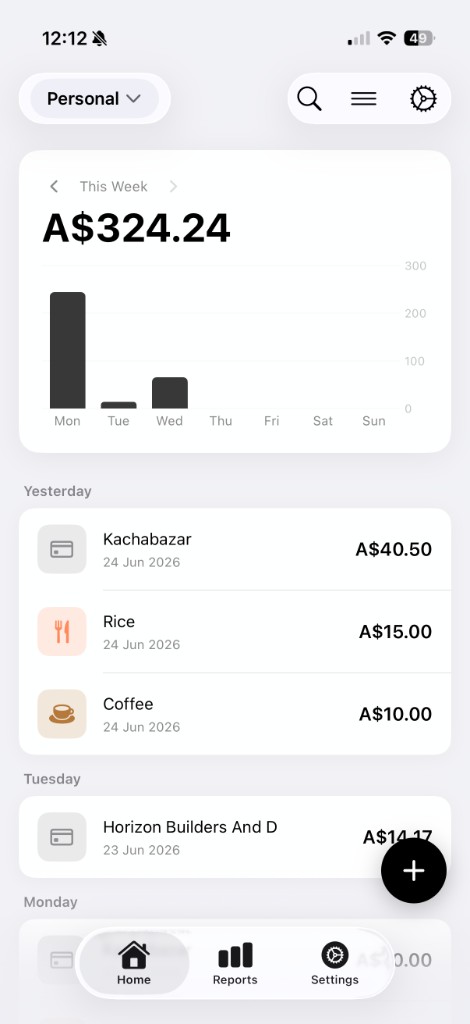
TapXpense dashboard screen
DashboardThis month's spending, income, and budget position at a glance.
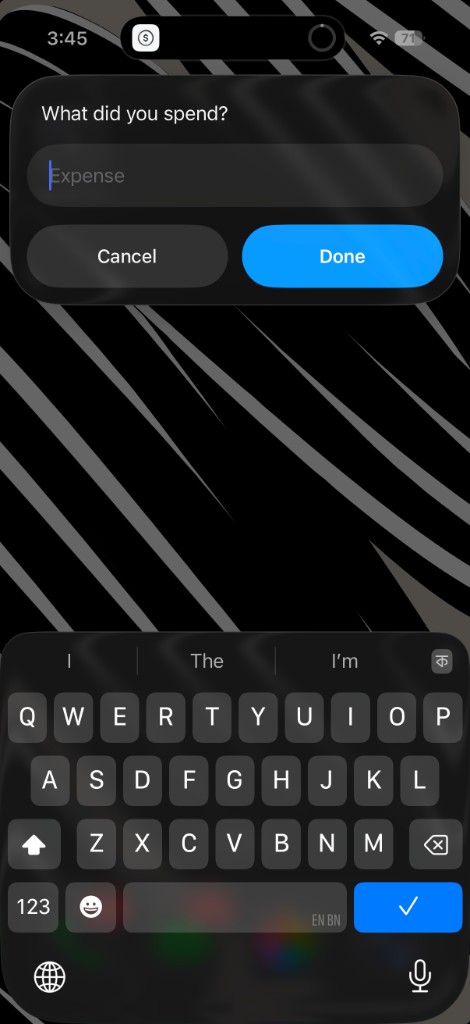
TapXpense quick log screen
Quick logType "10 coffee" — categorised before you hit save.
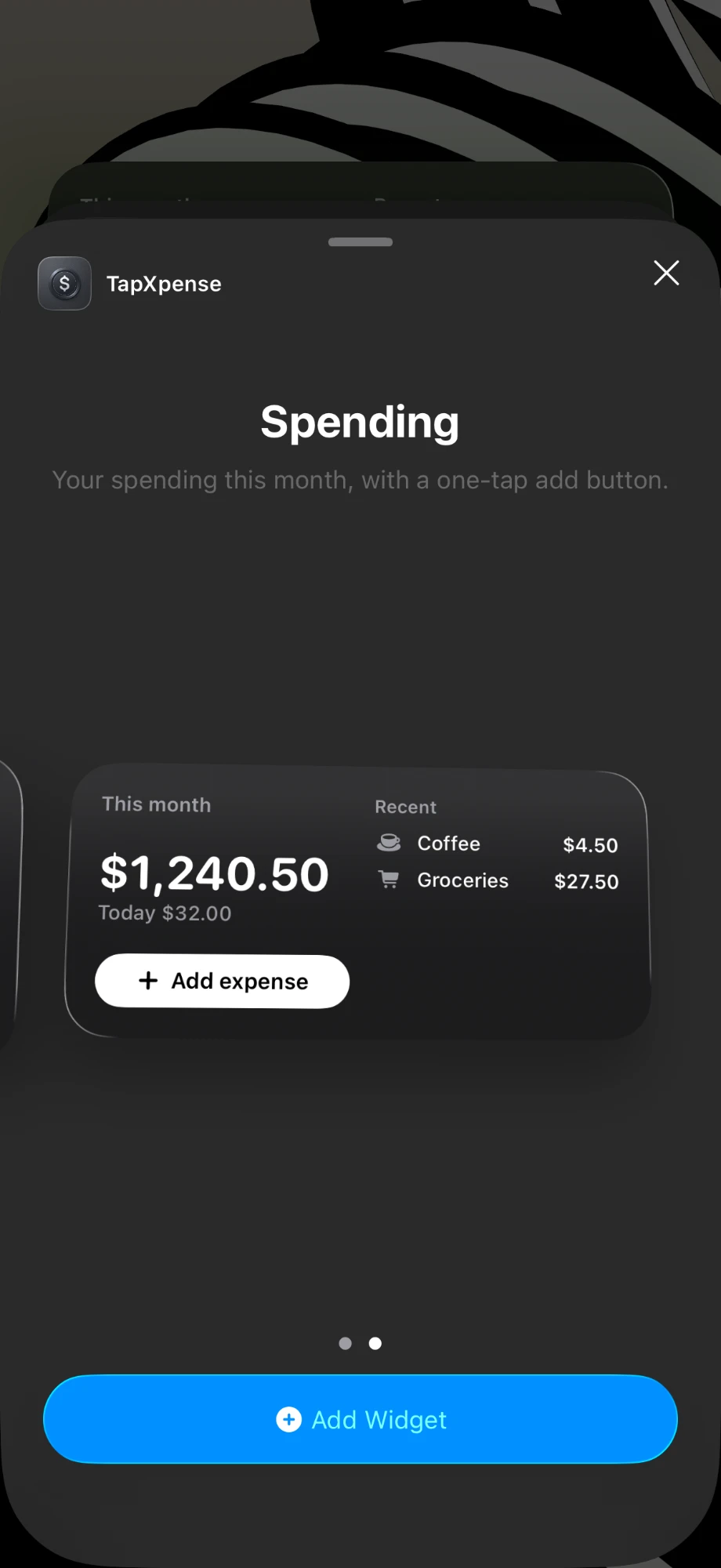
TapXpense Spending widget in the iOS widget gallery
Widgets · FreeMonth total and a one-tap add button on your home screen — free, like everything else.
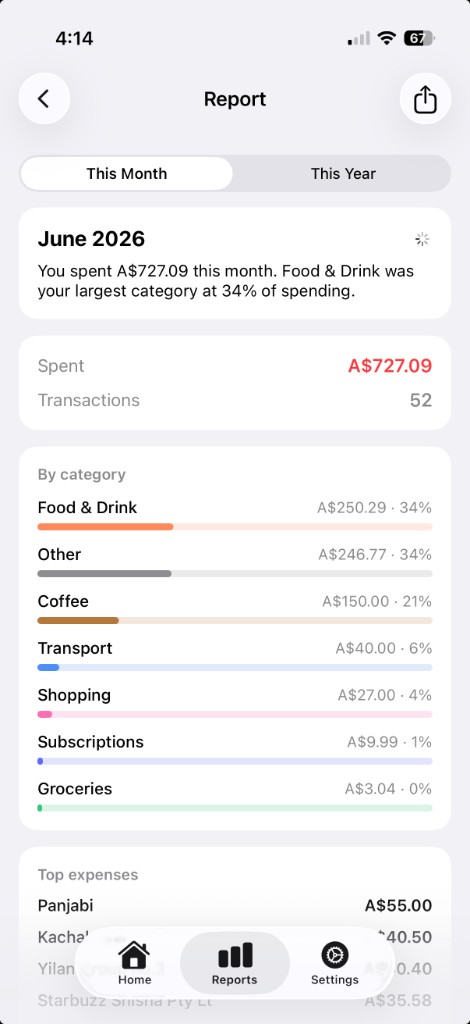
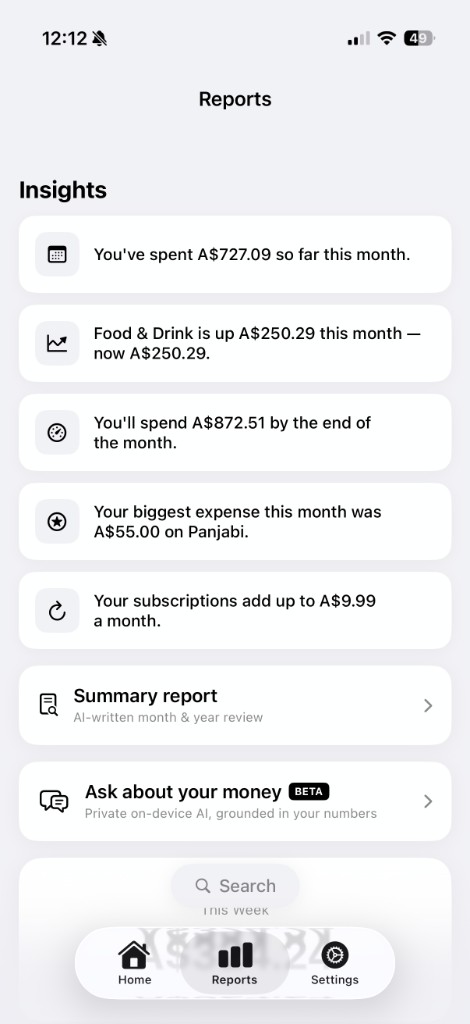
TapXpense AI report screen
AI reportSpending history turned into readable advice.
TapXpense insights screen
InsightsMonth-over-month shifts and anomaly nudges.
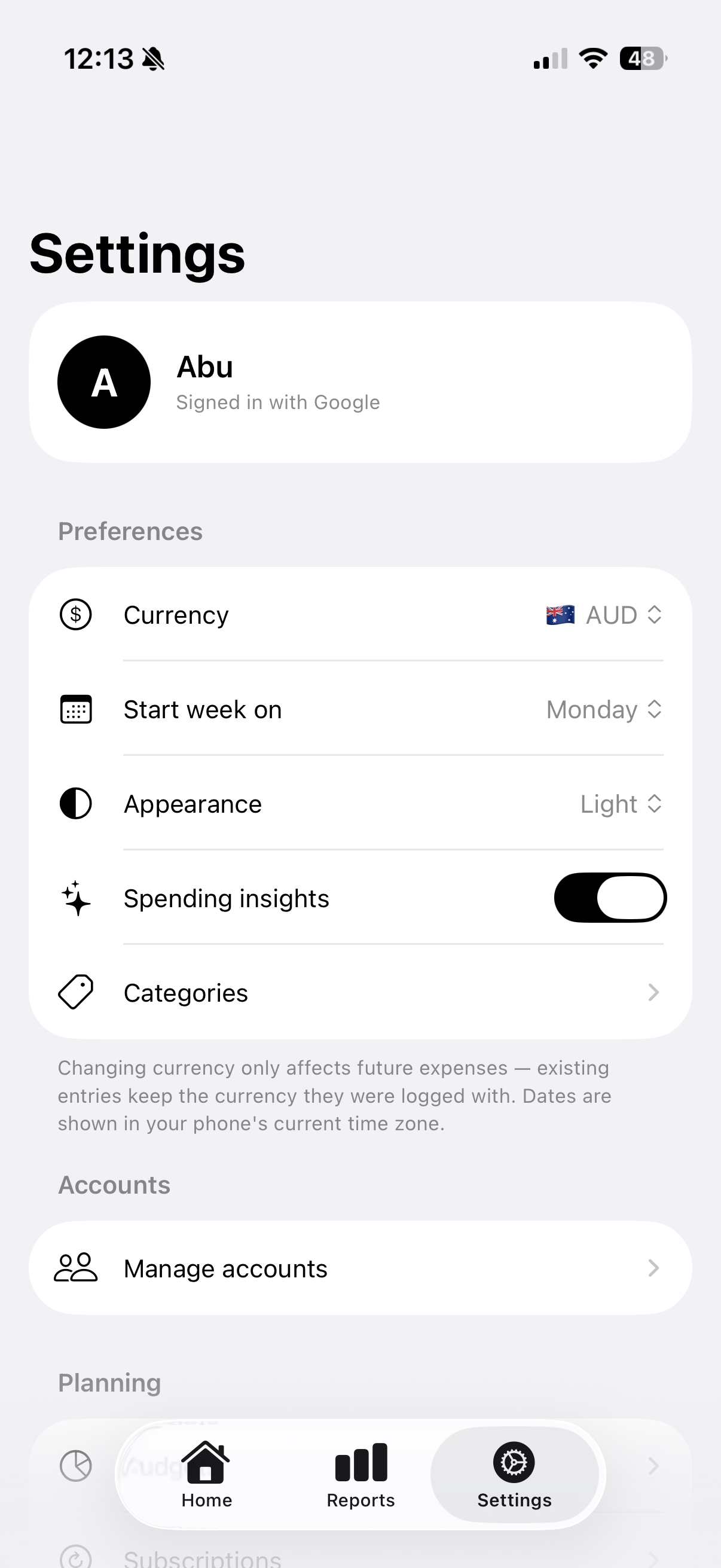
TapXpense settings screen
SettingsCurrency, appearance, categories, and accounts in one place.

Drag to explore

Nine seconds,
start to finish.

A nine-second walkthrough: log a coffee with a Back Tap straight from the lock screen, glance at the home-screen widget, then open the in-app dashboard.

YOUR
EXPENSES

Everything you need to track spending — nothing you don't.

Feature 01
Back Tap Quick-Log New
Double-tap the back of your iPhone and the expense is logged, titled, and categorised — you never even open the app.
Feature 02
On-Device AI
Expenses parse and categorise themselves — even offline.
Feature 03
Budgets & Insights
Monthly limits, month-over-month shifts, and a nudge when spending runs hot.
Feature 04
Widgets & Wallet
One-tap logging from the home screen, Control Center, Siri — and every tap-to-pay.
Feature 05
Subscriptions & Income
Renewals and pay-days log themselves — and never arrive as a surprise.
Feature 06
"Ask Your Money"
A private, on-device chat that answers questions about your own spending.
Daily Workflow

Track money without turning it into admin work.

TapXpense is built around the moments when expense apps usually fail: the second you pay, the end of the week, and the moment you need an answer.

01

Capture fast

Use Back Tap, widgets, Siri, or Shortcuts to log from outside the app before the expense is forgotten.

02

Clean automatically

Smart categorisation and merchant-aware parsing keep entries organised without spreadsheet cleanup.

03

Review clearly

Budgets, subscriptions, income, reports, and insights give you the practical view of where money went.

Why It Works

TapXpense keeps the main job simple: log spending in seconds, then review your money without spreadsheet work. Back Tap, widgets, Siri, smart categorisation, budgets, subscriptions, and reports all support that one workflow.

Use it as a guest with no account, fully offline. Sign in with Apple or Google only when you want private cloud backup and sync.

RoleSolo designer & developer
PlatformiOS 17+ (iPhone)
StatusLive on the App Store
PrivacyOn-device processing
SyncOptional Apple or Google sign-in
StackSwift, SwiftUI, SwiftData
Privacy & Sync

Usable offline. Account optional.

Start as a guest, keep your data on the iPhone, then sign in only if you want private cloud backup and sync.

Local-first storage

Your core expense data lives on-device first, so the app stays useful without an account or network connection.

Optional sign-in

Apple or Google sign-in is there for backup and sync, not as a wall before you can track spending.

Separate community data

Feedback lives on our public UserJot board — completely separate from private in-app expense records.

Community Board

Vote on what comes next.

Suggest ideas, report bugs, and vote on what we build next — the TapXpense feedback board is hosted on UserJot.

Open the community board Takes ten seconds — no account needed

Start
Tracking
Today

Native iOS expense tracking — private by default, offline-first, and built for speed. Free for iPhone on the App Store.

Download on the App Store
Free · iPhone · iOS 17+
Buy me a coffee